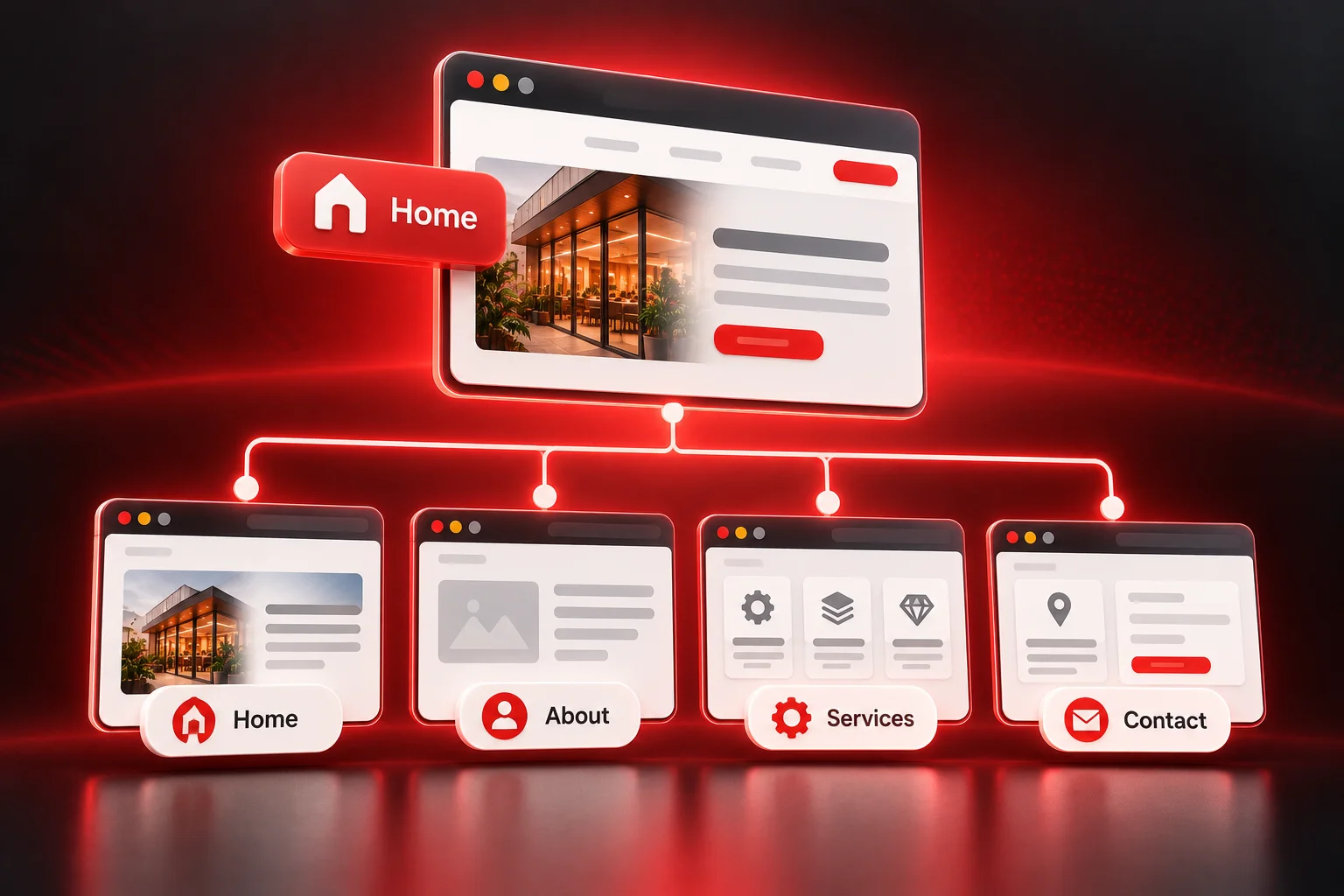
When people plan a new website, they usually start with how it should look. A better start is what it should contain. The pages you choose decide what Google can find, what customers can learn without calling you, and how quickly someone goes from "who are these people?" to "let's send them a message".
This guide goes page by page: the five pages almost every business needs, what to put on each, and the extras worth adding later. At the end there's a simple plan you can hand to any web designer.
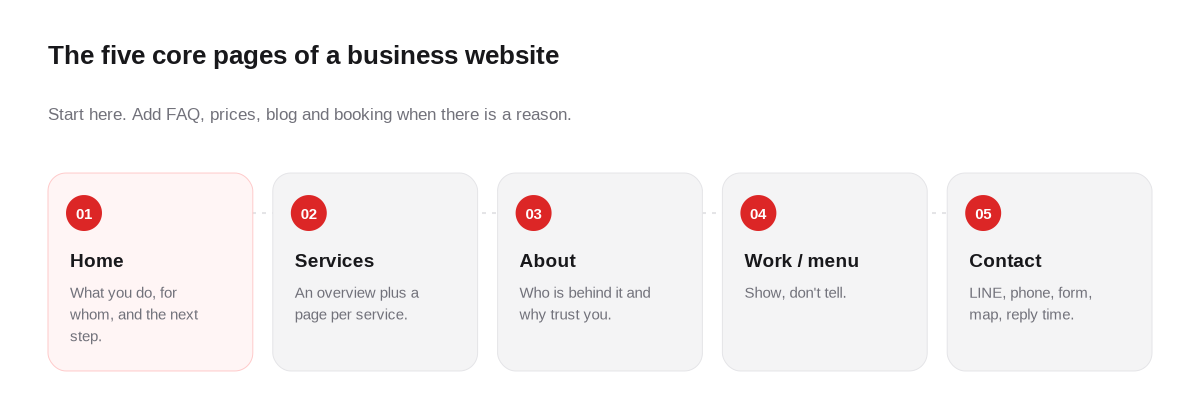
The five pages almost every business needs
1. Home: answer three questions in five seconds
Most visitors decide within a few seconds whether to stay. Your homepage has to answer three questions immediately: what do you do, who is it for, and what should I do next?
- A clear headline that says what you do in plain words ("Accounting for small companies in Bangkok", not "Excellence in Financial Solutions").
- One main button: call, LINE, book, get a quote. Pick the one action that matters most.
- A short overview of your services, each linking to its own page.
- Proof: a few logos, reviews, photos of real work, years in business, anything true that builds trust.
- Your location and contact details, especially if customers visit you.
2. Services (and a page for each service)
A single services page listing everything you do is a good overview, but it isn't enough. Each main service deserves its own page. That's how you show up on Google for "company registration Bangkok" and "bookkeeping for restaurants" separately, and how customers find details without scrolling past things they don't need.
On each service page, answer the questions people actually ask: what is included, who it suits, how the process works, how long it takes, and how much it costs (a starting price or a range is fine). Then end with one clear way to get in touch.
3. About: why should I trust you?
People buy from people. The about page is where a stranger decides whether you're real and reliable. Skip the corporate mission statement and tell them:
- Who is behind the business, with real photos.
- How long you've been doing this, and for whom.
- How you work and what you care about. One or two specific details beat ten adjectives.
- Any licences, certifications or memberships that matter in your industry.
4. Portfolio, case studies or menu: show, don't tell
Depending on your business, this might be a gallery of projects, before-and-after photos, a menu with prices, a list of properties or product categories. Whatever form it takes, it's the page that turns "they say they're good" into "I can see they're good".
If you can, add a sentence or two to each item: what the client needed, what you did, what changed. That context makes a portfolio far more convincing than images alone.
5. Contact: make it effortless
In Thailand, "contact" means more than a form. Offer the channels your customers already use:
- A LINE button or QR code. For many Thai customers it's the first choice.
- A phone number that can be tapped on mobile.
- A short form for people who prefer to write (name, contact, message is often enough).
- WhatsApp or email for foreign customers.
- A map, opening hours and parking or transport tips if people visit you.
Tell people how fast you reply. "We reply within 24 hours" makes it much more likely they'll send that first message.
Pages worth adding as you grow
- FAQ: collect the questions customers ask you every week and answer them once, properly. It saves time and catches searches you'd otherwise miss.
- Prices or packages: even starting prices filter out bad fits and reassure good ones. For many businesses this is the most visited page after the homepage.
- Blog or guides: articles that answer real questions bring people in from Google long after they're written. See our guide on how to get your website found on Google.
- Reviews or testimonials: real quotes from real customers, with permission. Never invent them.
- Booking or shop: when customers are ready to act without talking to you first.
- Careers: if you're hiring, a simple page helps the right people find you.
The pages you must have (by law or by trust)
- Privacy policy: if your website collects any personal data (even a contact form or analytics), Thailand's Personal Data Protection Act (PDPA) expects you to explain what you collect and why. Our PDPA checklist for websites covers the details.
- Terms of sale, delivery and refunds: essential for online shops.
- Company details: registered name and address. They build trust, and business customers look for them.
What about Thai and English?
If you serve both Thai and foreign customers, every important page should exist in both languages, as real pages with their own addresses, not a translate button. Each version can then rank for searches in its own language. Our guide to bilingual Thai–English websites explains how to do it well.
A simple website plan you can use
Copy this, fill it in, and send it to any web designer. It will make every quote faster and more accurate:
- Home: headline (what we do, for whom), main action (LINE / call / quote), three to six services, proof.
- Services: overview page + one page each for: …
- About: our story, team photos, experience, certifications.
- Work / menu / products: what we show and how many items.
- Contact: LINE, phone, form, map, hours, reply time.
- Extras: FAQ, prices, blog, booking, shop (tick what you need now).
- Languages: Thai, English, or both.
- Must-haves: privacy policy, terms (for shops), company details.
A small business website with these pages usually starts from around ฿13,000–฿23,000 with us, depending on how many service pages and languages you need. You can see what's included on our business website design service page, or send us your plan for a fixed quote within 24 hours.
A quick checklist
- Map customer questions
- Write distinct service pages where justified
- Make mobile contact effortless
- Assign ownership for ongoing updates
Frequently asked questions
How many pages should a small business website have?
Most small businesses need five to ten pages: home, a services overview with a page per main service, about, work or portfolio, and contact, plus a privacy policy.
Does every service need its own page?
Each main service should have its own page. That is how you appear on Google for each service separately, and it gives customers the details they need.
Do I need a blog on my business website?
Not on day one, but articles that answer customers' real questions are one of the best ways to bring in visitors from Google over time.
Do I need a privacy policy on my website?
If your website collects personal data, such as a contact form or analytics, Thailand's PDPA expects you to explain what you collect and why. A privacy policy page is the standard way to do that.
Should prices be on my website?
If you can, yes. Even starting prices or ranges help customers decide faster and filter out enquiries that would never fit.